Deal
Play bridge hands and learn from them.
Send your students a link to a hand they can bid and play against robots, with feedback.
Free. No account needed for students: they just open the link, on a phone, tablet or computer.
A hand in three steps
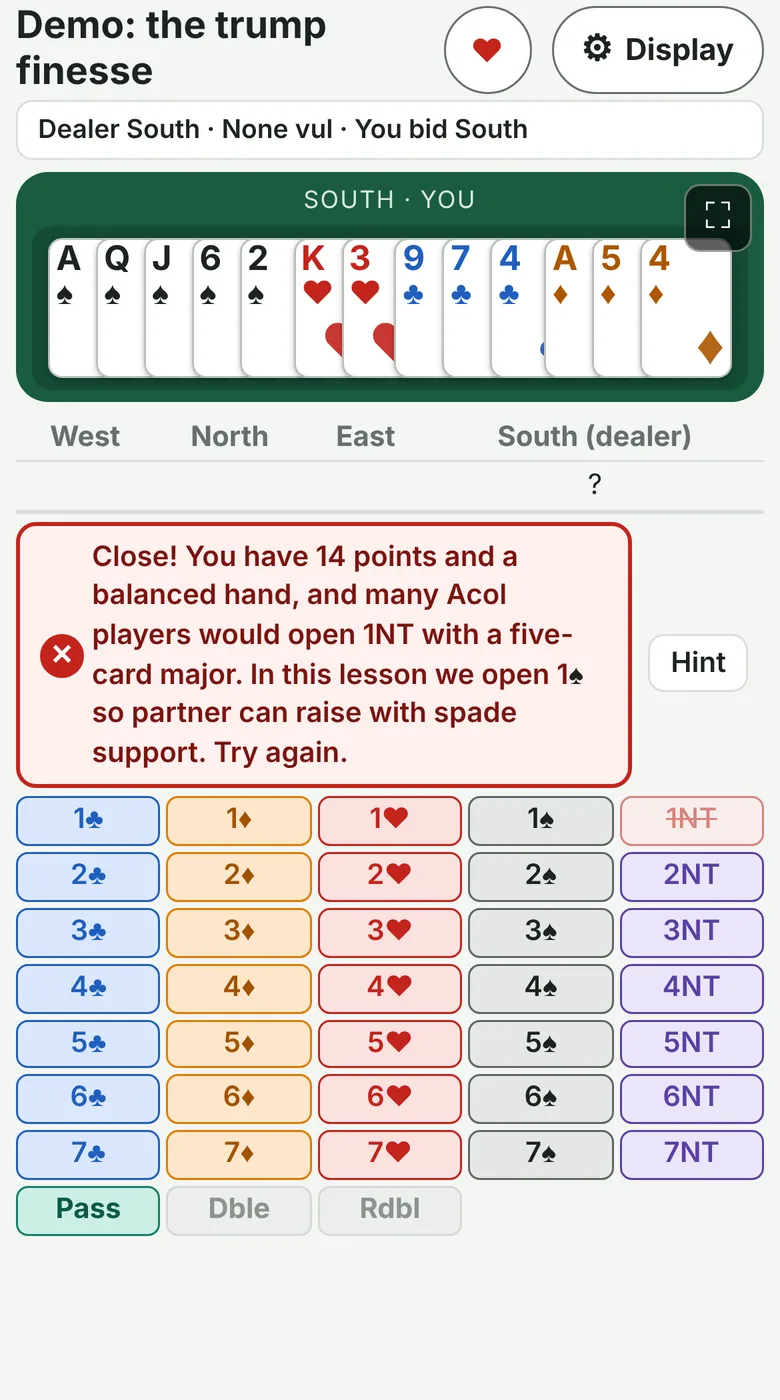
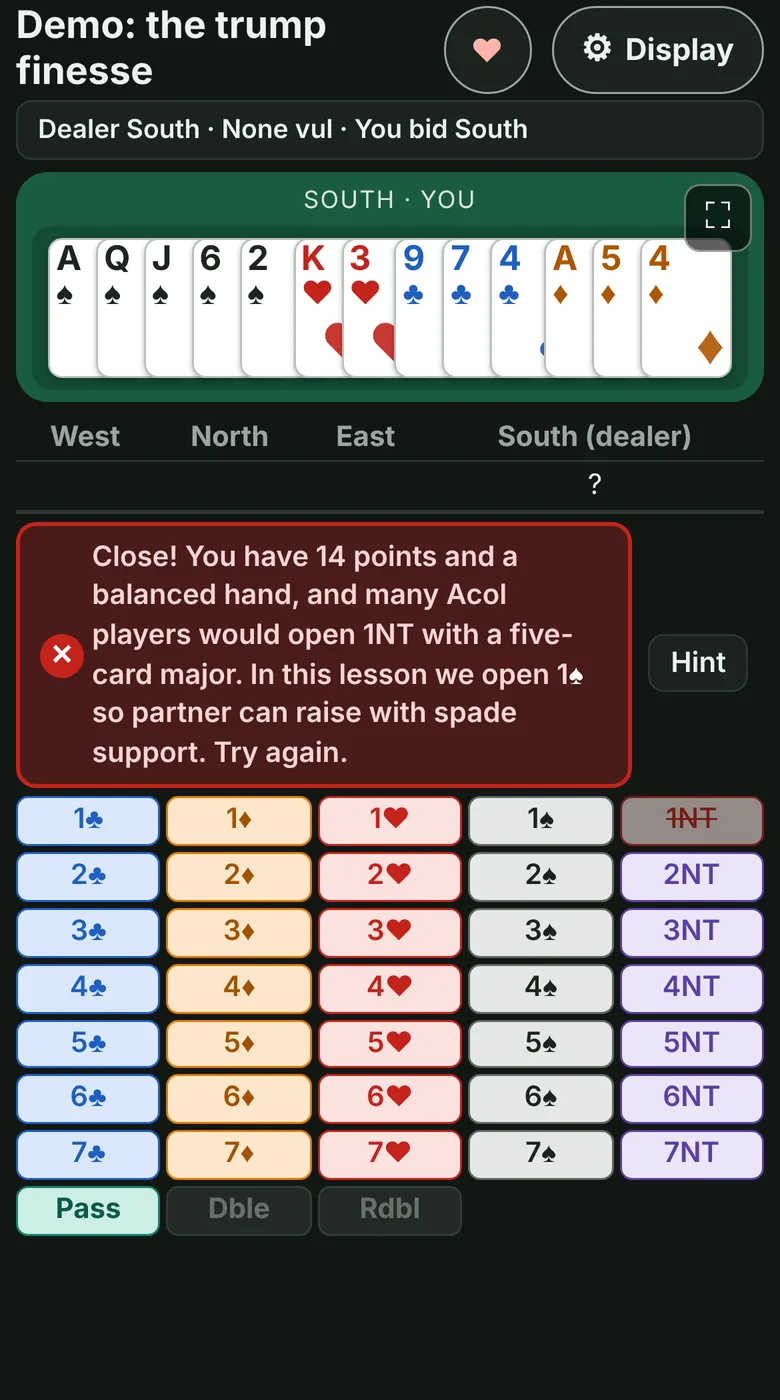
1 Bid. A wrong call gets an explanation, and another go. 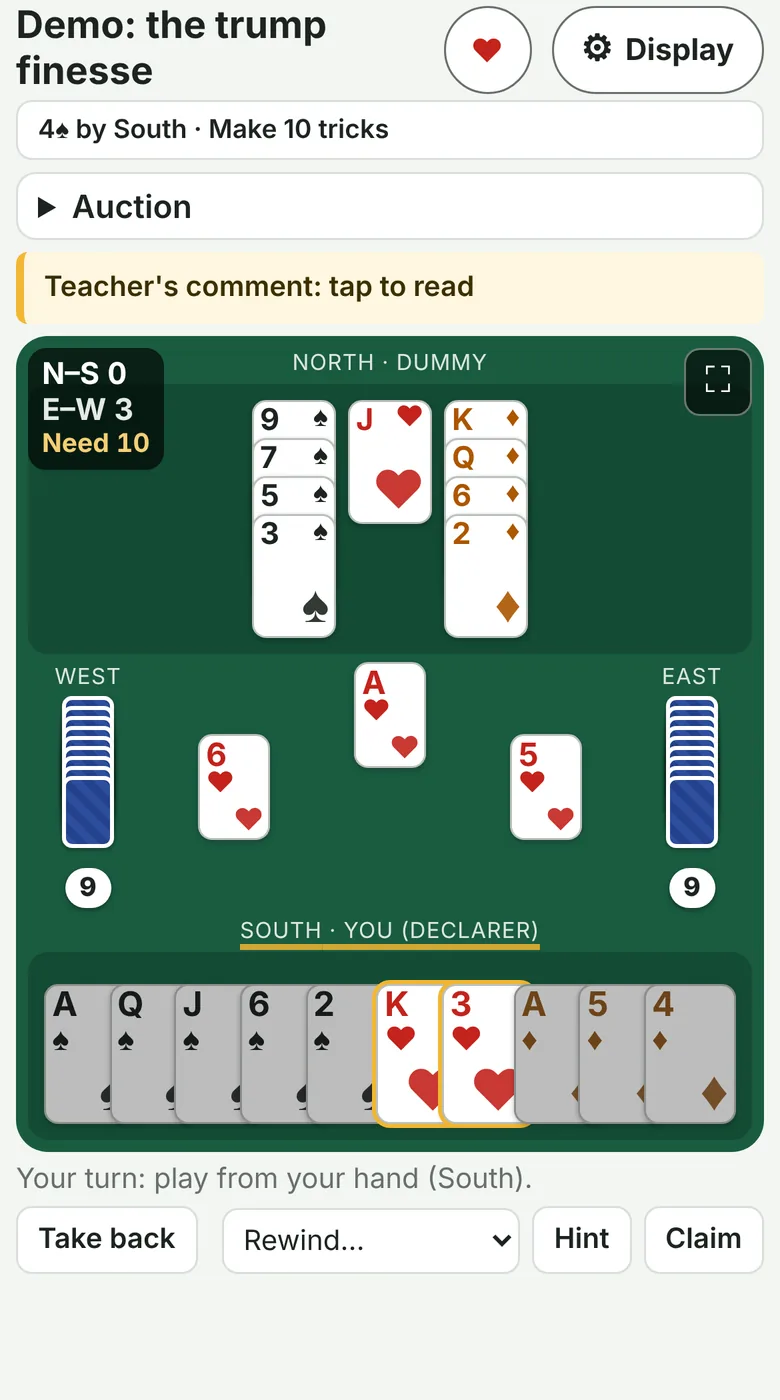
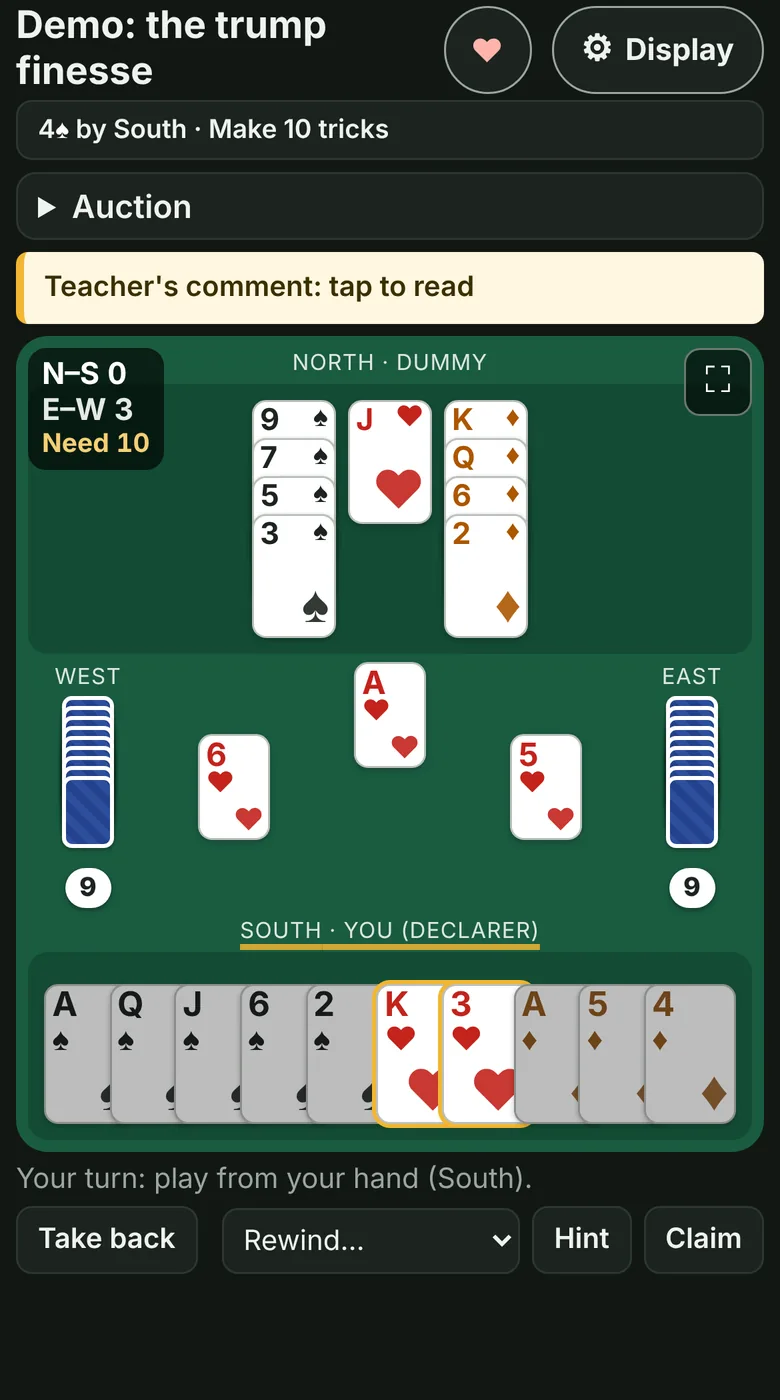
2 Play. Declare or defend against robots that defend well. 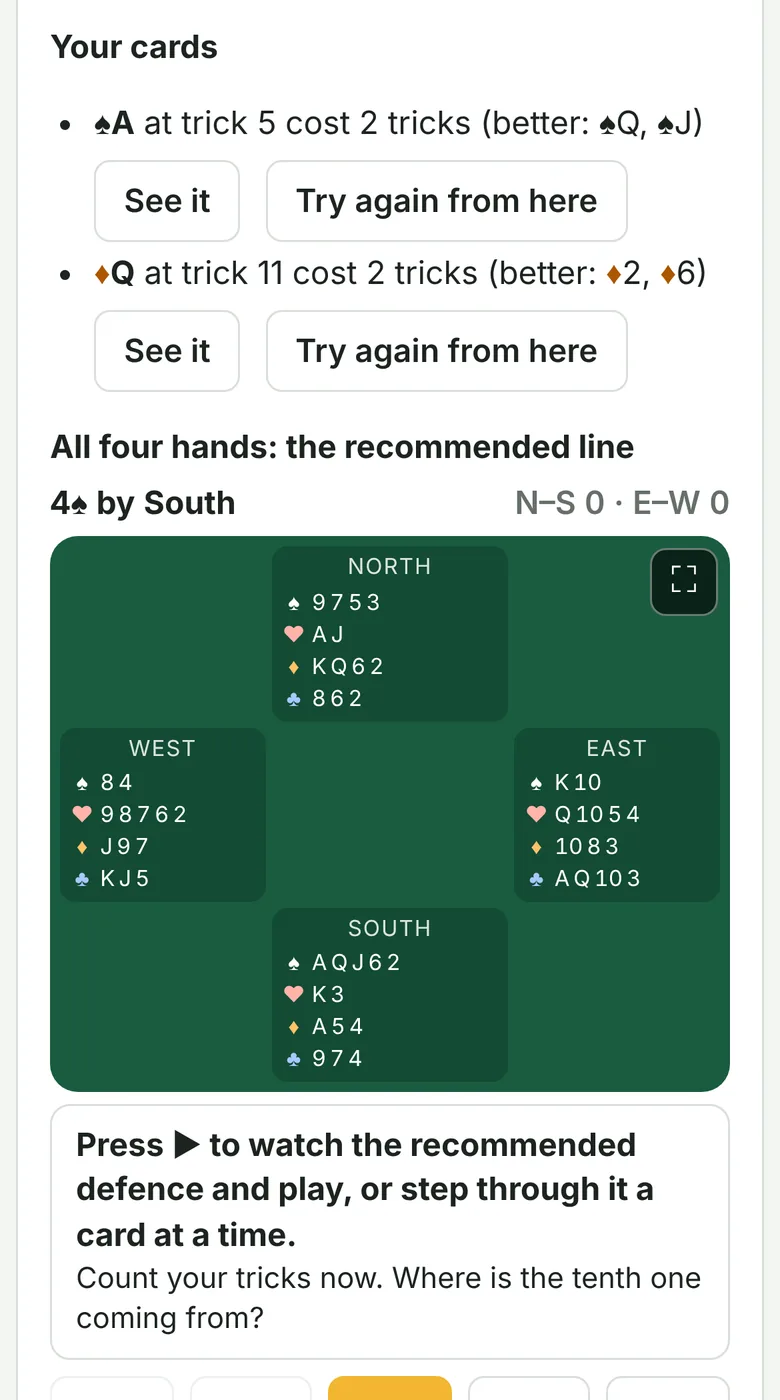
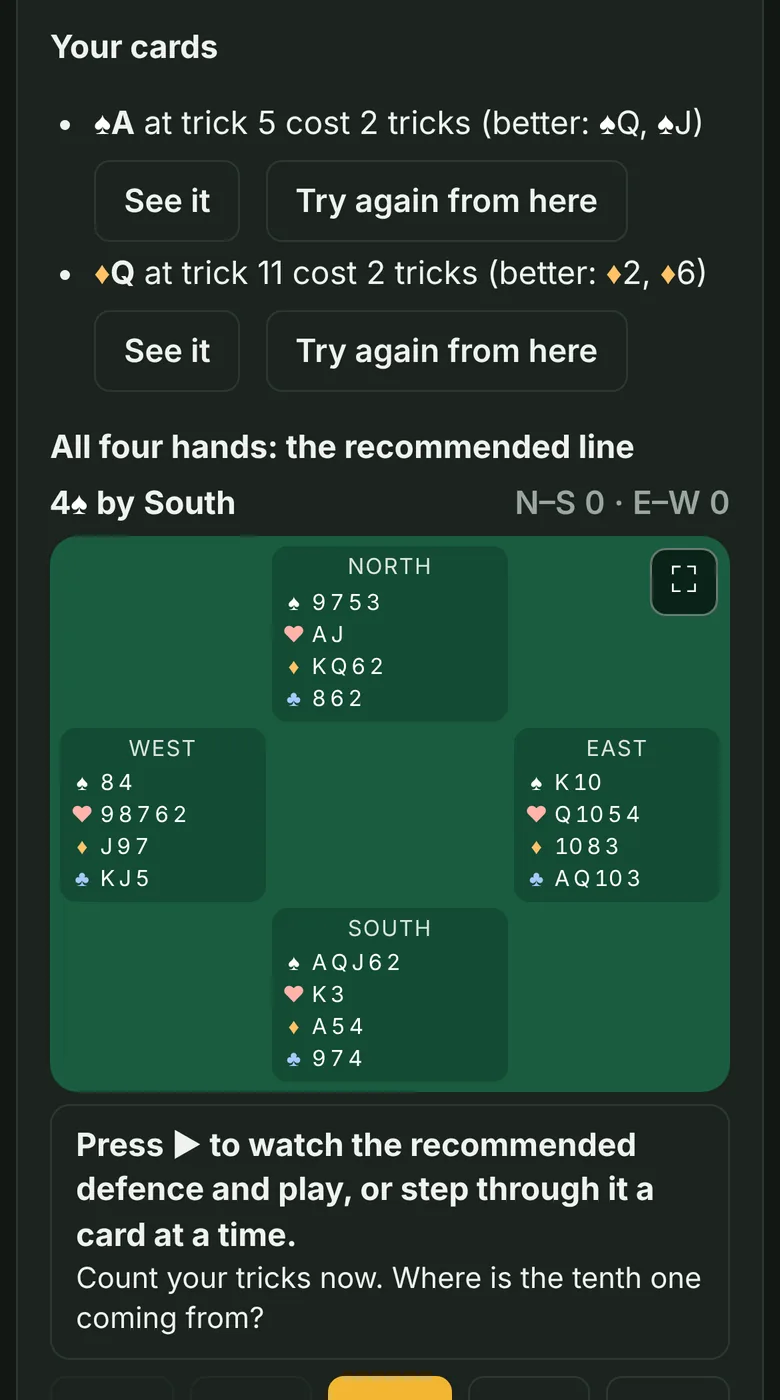
3 Review. Which card cost a trick, and a replay of the best line.
What your students get
Bid from any seat
Then play the hand as declarer or as a defender.
Help when they need it
Hints, and specific feedback on each wrong bid.
Start at the key moment
A hand can begin part-way through the play, at the trick you choose.
Review after every hand
Which card cost a trick, with a replay of the best line.
Easy on the eye
4-colour suits, Hand or Classic cards, light or dark, and full screen where the device supports it.
No account needed
Students just open the link. Nothing to install, nothing to sign up for.
What you get as a teacher
PBN import
Bring in a whole file of boards, with your comments at every point.
Lesson sets
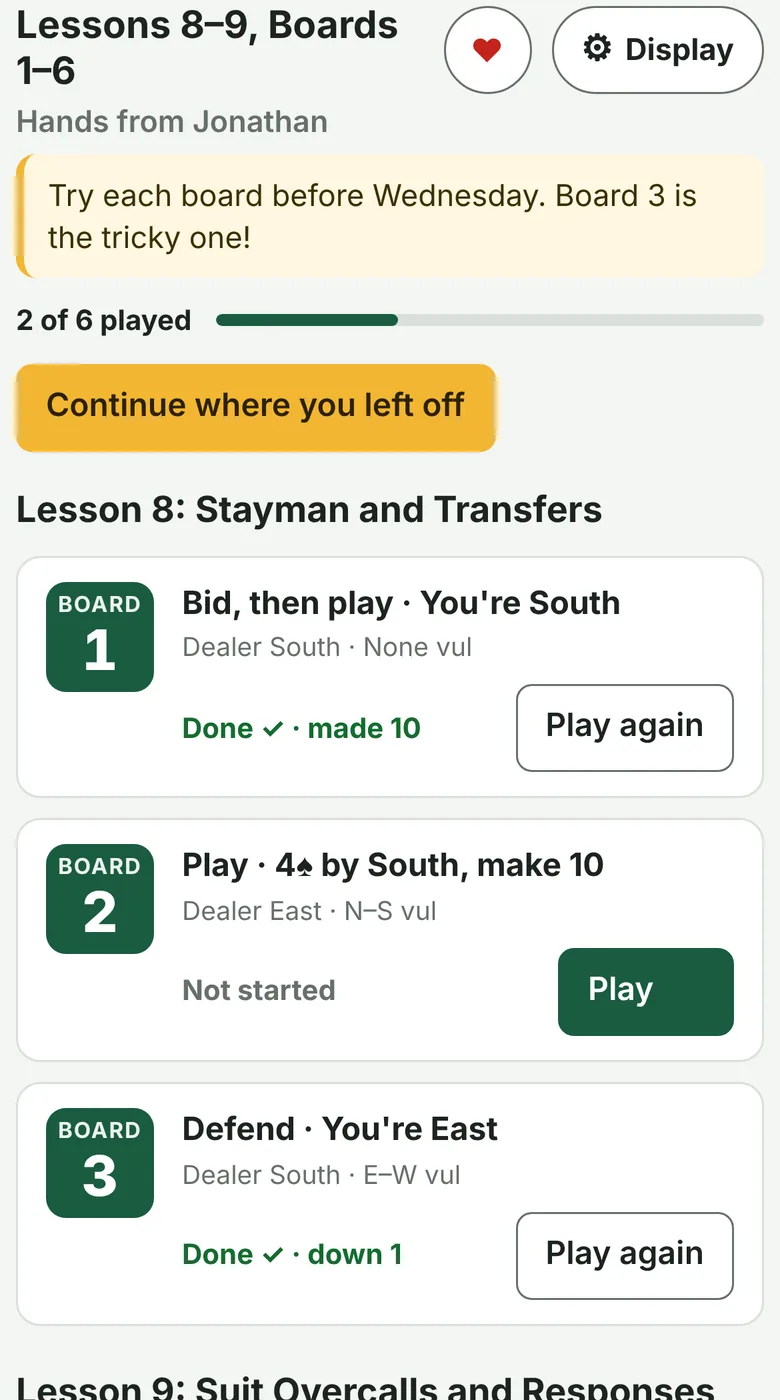
One link for a whole lesson: a page with every board and each student’s progress. Every lesson you make is kept in My lessons.
Short links
A short address for a hand or a set, easy to send by WhatsApp, text or email.
Model lines
Record the declarer play or defence you want students to see in the review.
Take-over point
Choose the trick where the student takes over; your recorded line is played up to it.
Save your work
Sign in, free and optional, to keep your hands and lesson sets and use them on any device.
The lesson page
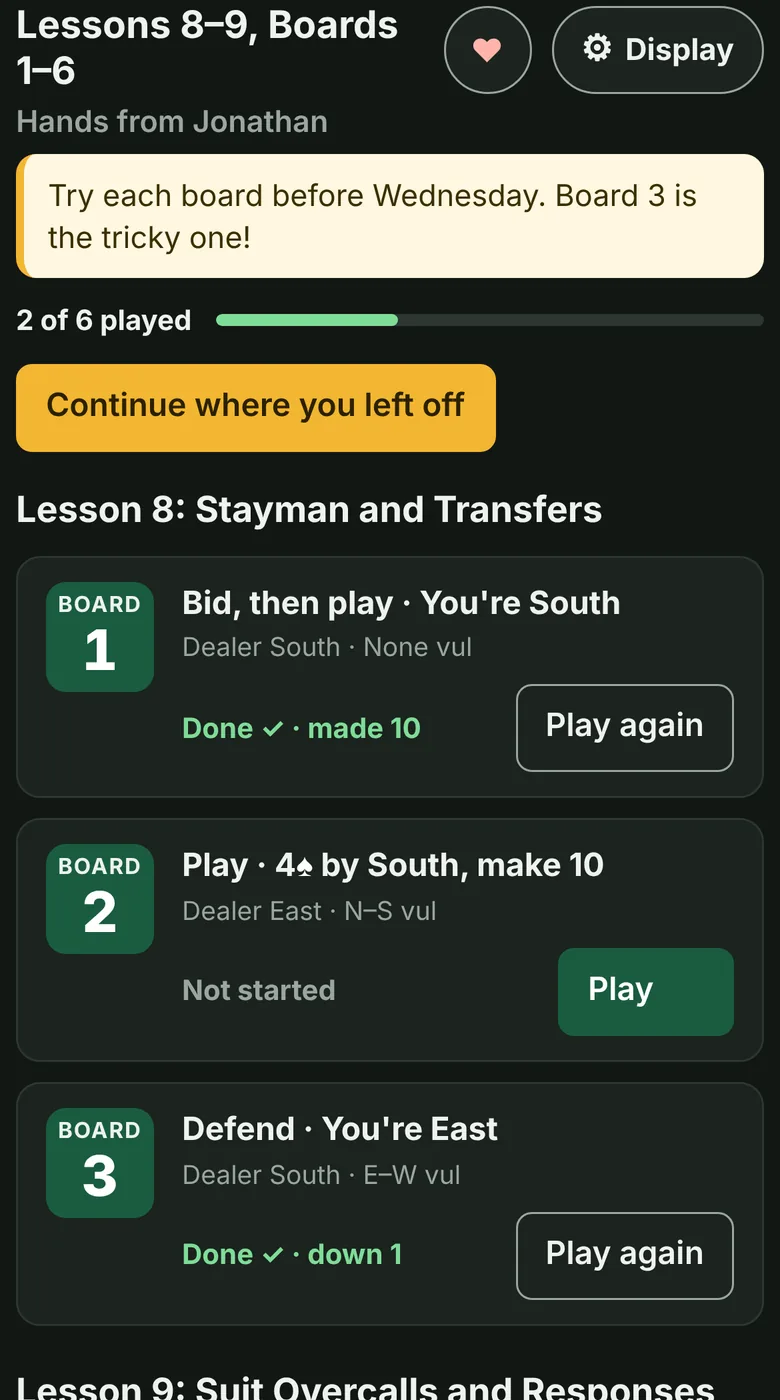
Send a whole lesson in one link. Students see every board, what to do on each one and how far they have got, and “Continue where you left off” takes them to the next board. Their progress is kept on their own device: no account needed.
Questions
Is it free?
Yes. There is nothing to pay and no advertising, for you or your students. If it helps your teaching, you can support it with a small donation, but you don’t have to.
Do students need an account?
No. They open the link and play; their progress through a lesson set is kept in their own browser. Signing in is for teachers, and optional: it lets you save hands and lesson sets to an account and make short links.
Which bidding system does it use?
Yours. You set the auction: students bid their seat, the other calls come from your auction, and the feedback on each call is what you write. The demo hand is Acol, but it works for any system.
Can I import PBN files?
Yes. Drop in a PBN file, from BridgeComposer or your club’s hand records: deals, auctions, contracts and comments come in, and you can make one link per board or the whole file as a lesson set.